Private vault for iPhone and Android

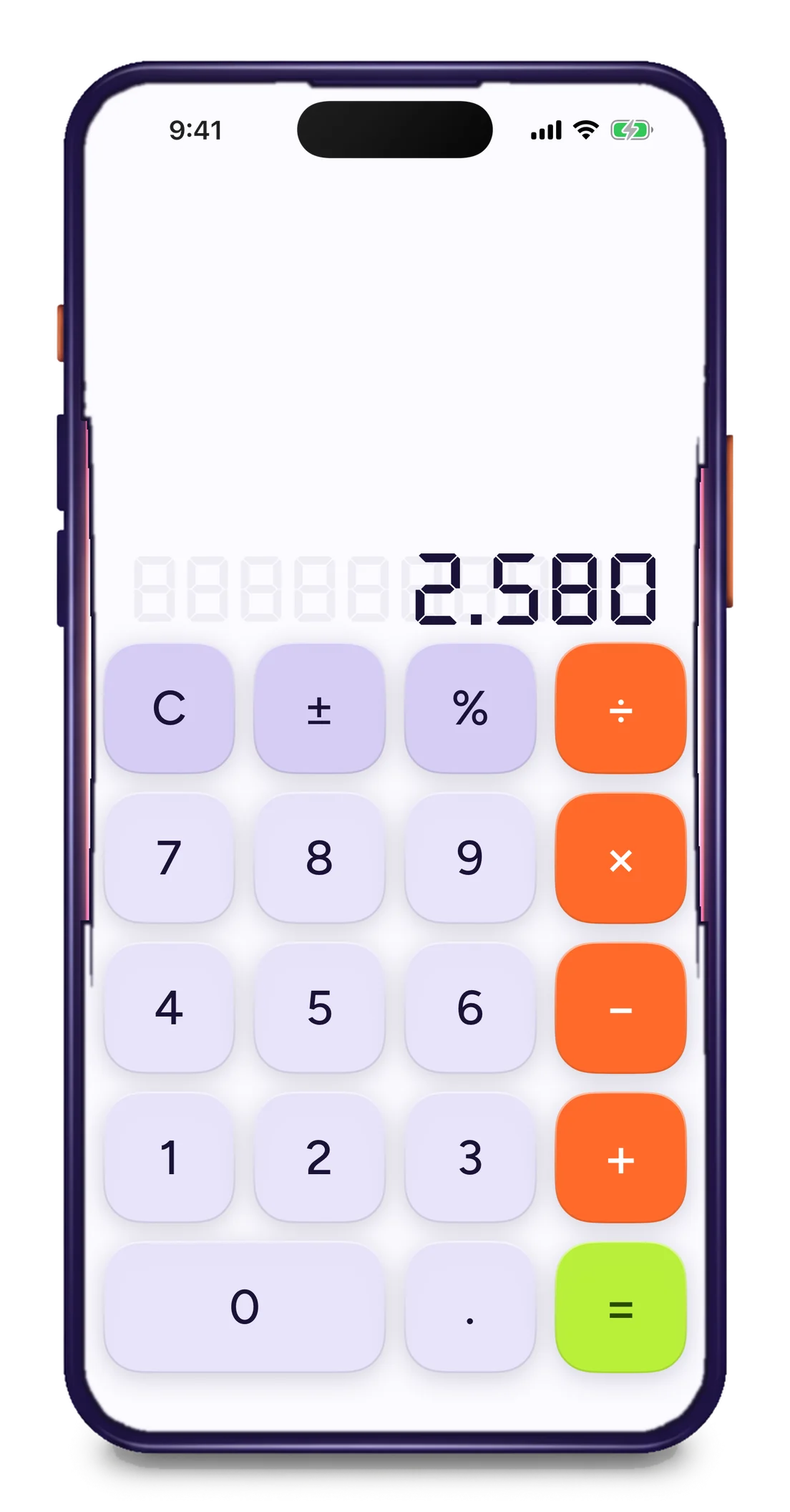
It's a calculator. Until you press .

Calculator Locker hides your photos, files, notes and a private browser behind a working calculator. Type your code, press equals, and it opens. Everyone else just gets math.

No account. No cloud. Free to try.

9:41

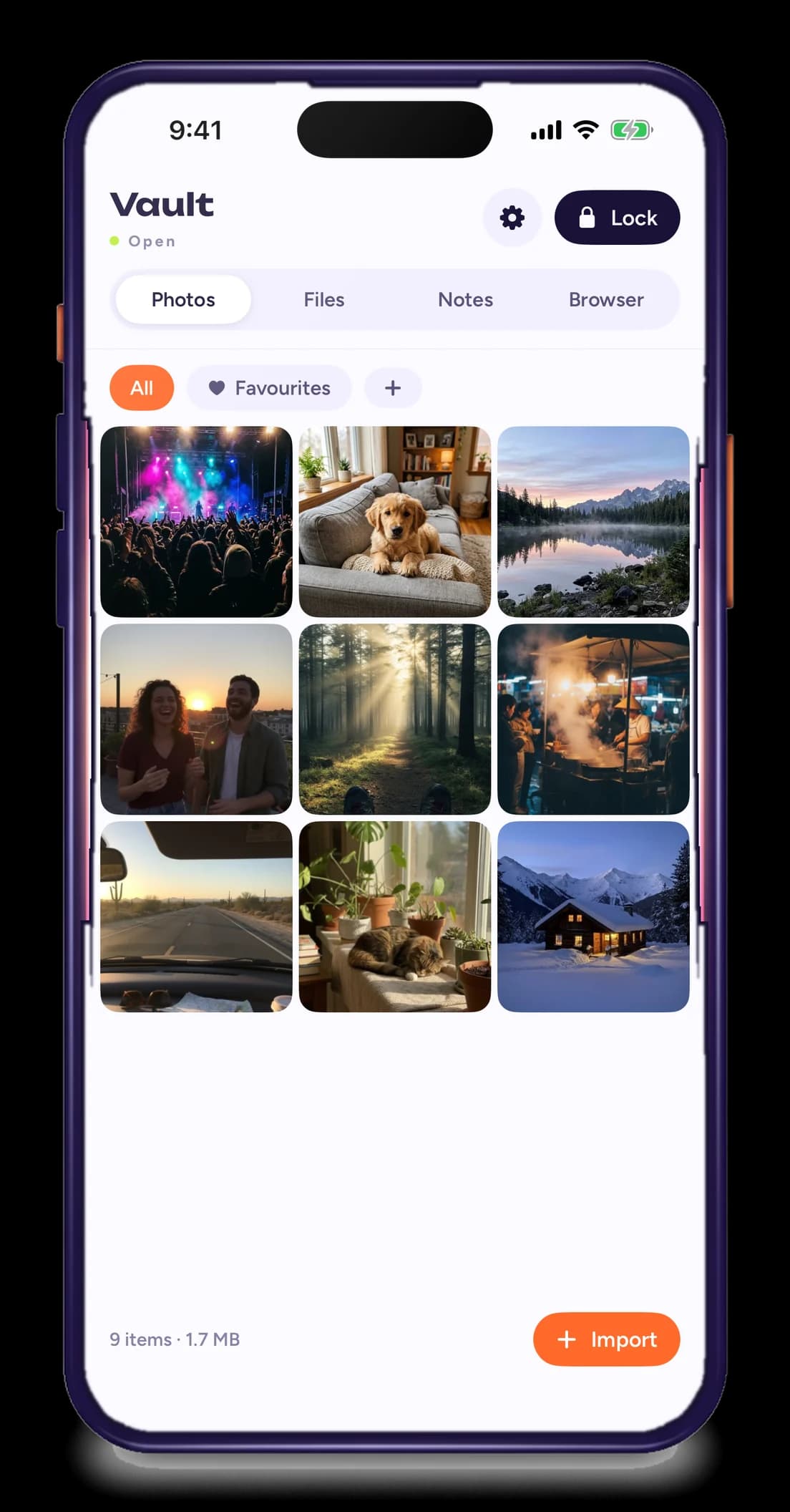
Vault

Open

6 items · 84 MB

  • Beach at golden hour
  • Golden retriever puppy on a couch
  • Misty alpine lake at sunrise
  • Flat white with latte art and a croissant
  • Neon-lit street at night after rain
  • Concert crowd under magenta and cyan lights0:12

Try it: type 2580 then =. Your keyboard works too.

What's inside

Everyone else just gets math.

Behind the keypad there's a full vault. It only exists while it's open.

Photos
A lime-green equals key opened like a safe door with photo prints spilling out

Photos and videos, off the grid

Import from your camera roll, then delete the originals in one tap. Albums, favourites and a full-screen viewer that never shows up in Recents.

  • Original quality, no compression
  • Hide a whole album or one shot at a time
  • Nothing appears in Photos, Recents or cloud backups
Files
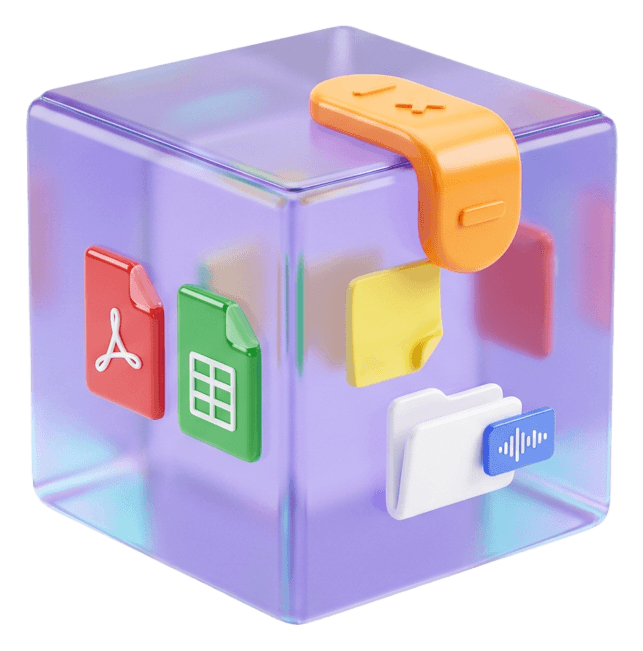
A frosted violet glass cube holding documents, latched shut with an orange calculator key

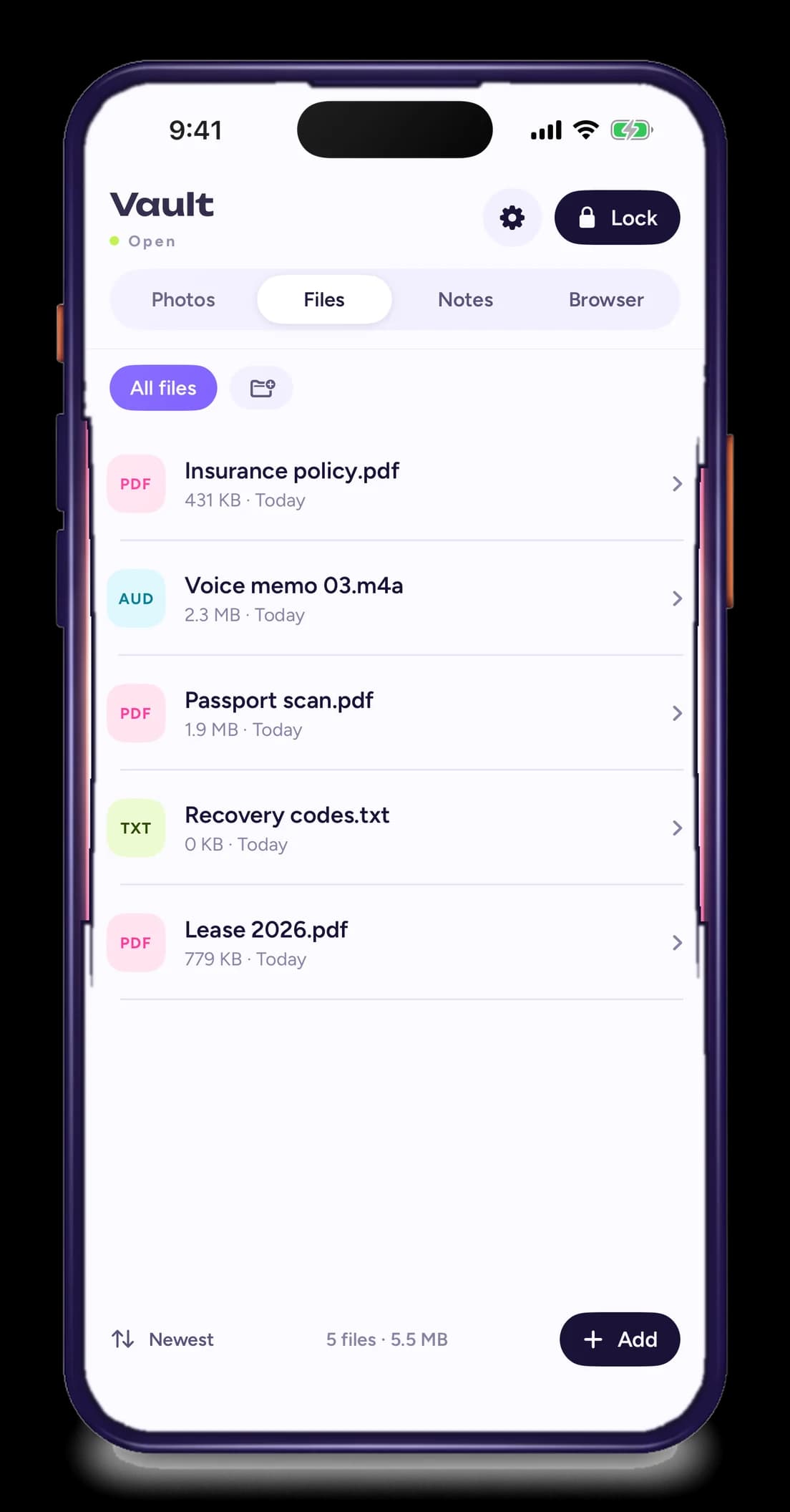
Files and the voice memo you'd rather not explain

PDFs, scans, screenshots, a list of passwords, a recording. Drop anything in and open it inside the vault without ever leaving.

  • Any file type, any size
  • Built-in viewer for PDF, images, audio and text
  • Share out only when you decide to
Notes
A glossy magenta notebook clipped shut with a lavender calculator key, a lime pen resting on top

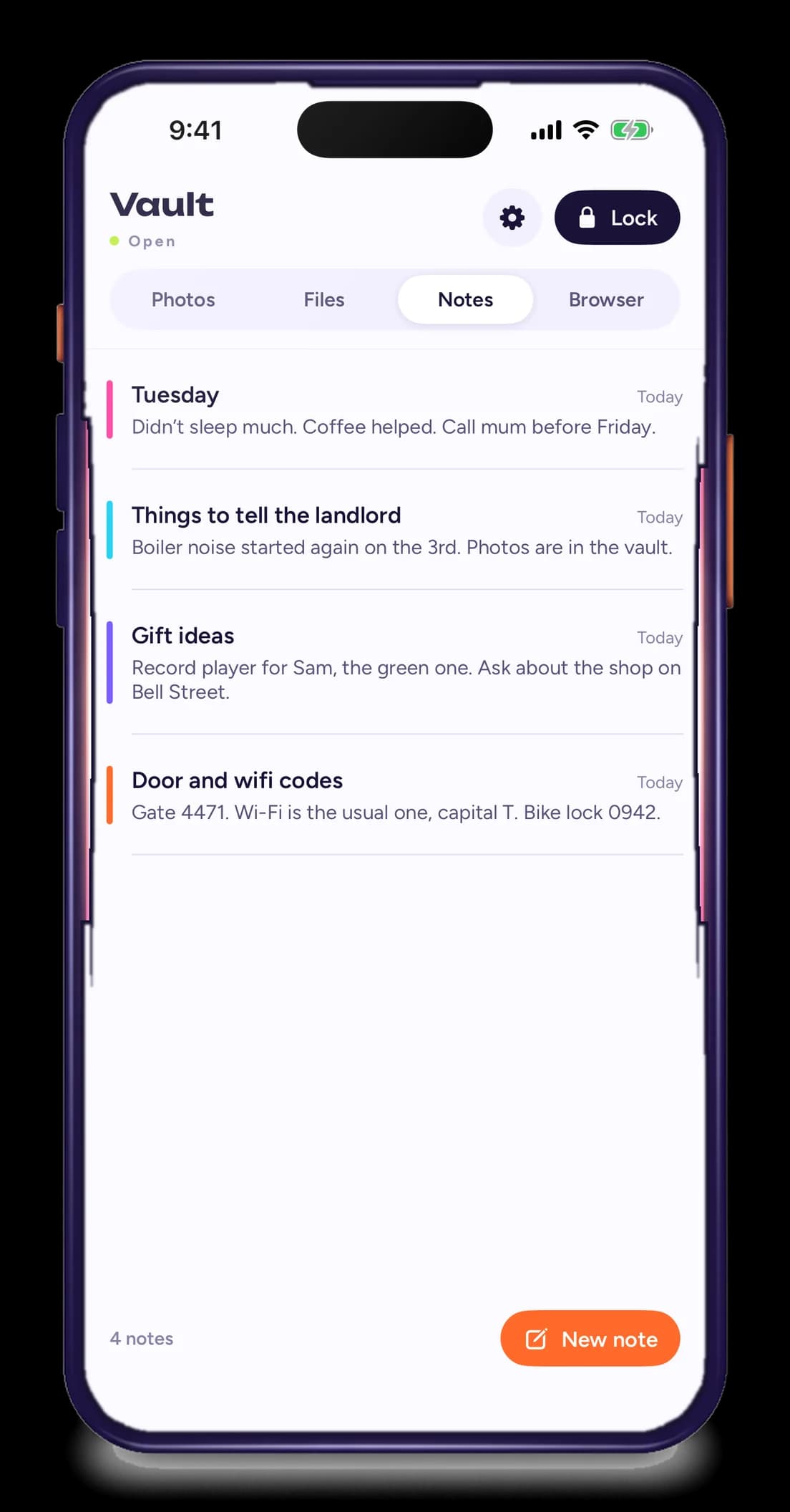
Notes that never sync anywhere

A plain notes app that lives inside the vault. Door codes, lists, a journal, the message you're not ready to send. None of it reaches Apple Notes, Google Keep or a backup.

  • Plain text and checklists
  • Search works only from inside the vault
  • Locks with everything else, mid-sentence if it has to
Browser
A phone showing a private browser, with browser tabs behind it dissolving into particles

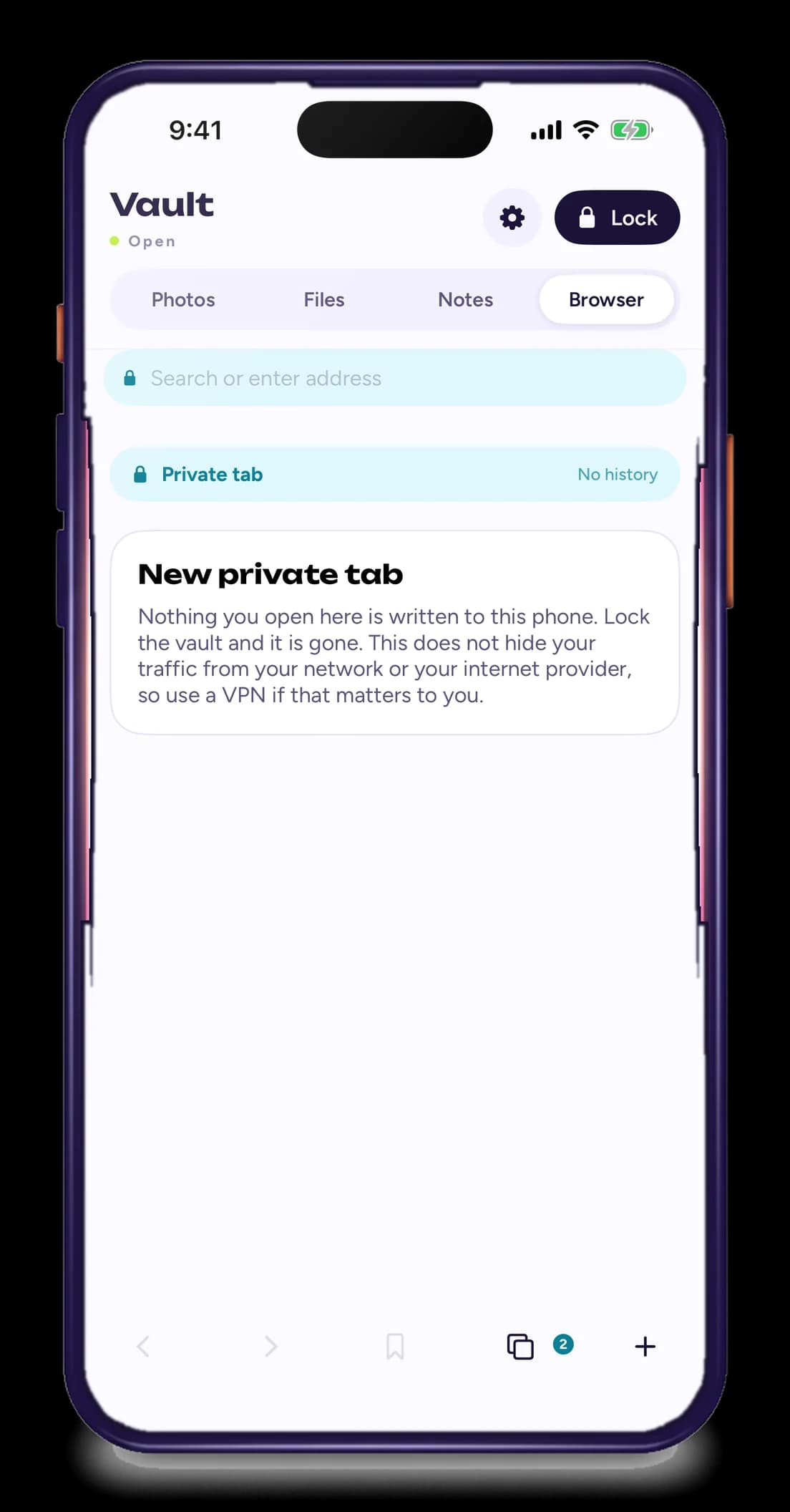
A browser with no memory

Tabs, bookmarks and downloads live inside the vault and go dark when you lock. No history on the phone, no autofill, nothing left behind.

  • Downloads save straight into Files
  • Bookmarks stay inside the vault
  • Open tabs close the moment you lock

Real screens

No mockups. This is the app.

Every screen below is a screenshot taken on an iPhone, not a drawing of one.

How it works

Set up in about a minute.

  1. Install Calculator Locker

    It shows up as a calculator, and it works as one. Long division, percentages, the lot.

  2. Choose your code

    Any four to eight digits. Add a second, decoy code that opens a vault you'd happily show someone.

  3. Type it, press

    The keypad flips over to your vault. Face ID or fingerprint can do this step for you.

  4. Lock it

    Tap Lock, shake the phone, or just wait. Thirty seconds later it's a calculator again.

Security

Built for the moment someone picks up your phone.

No account to hack, no cloud to leak, and a second vault for when you're asked to unlock it.

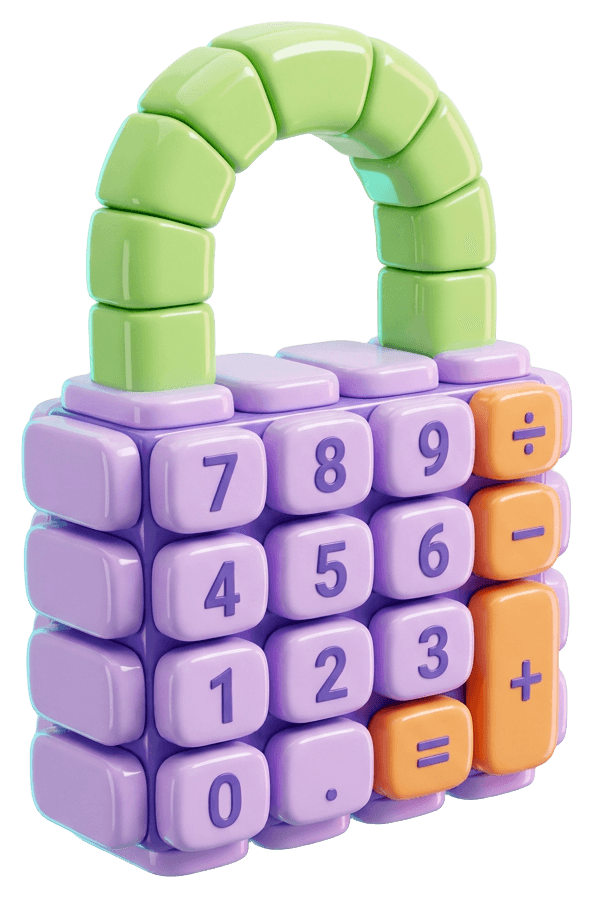
A padlock built out of candy-coloured calculator keys
Encryption
AES-256 for every file. Keys are generated on your phone and never leave it.
Account
None. No email, no sign-up, no server that knows you exist.
Decoy code
A second code opens a second, separate vault. Fill it with holiday photos and hand the phone over.
Break-in alerts
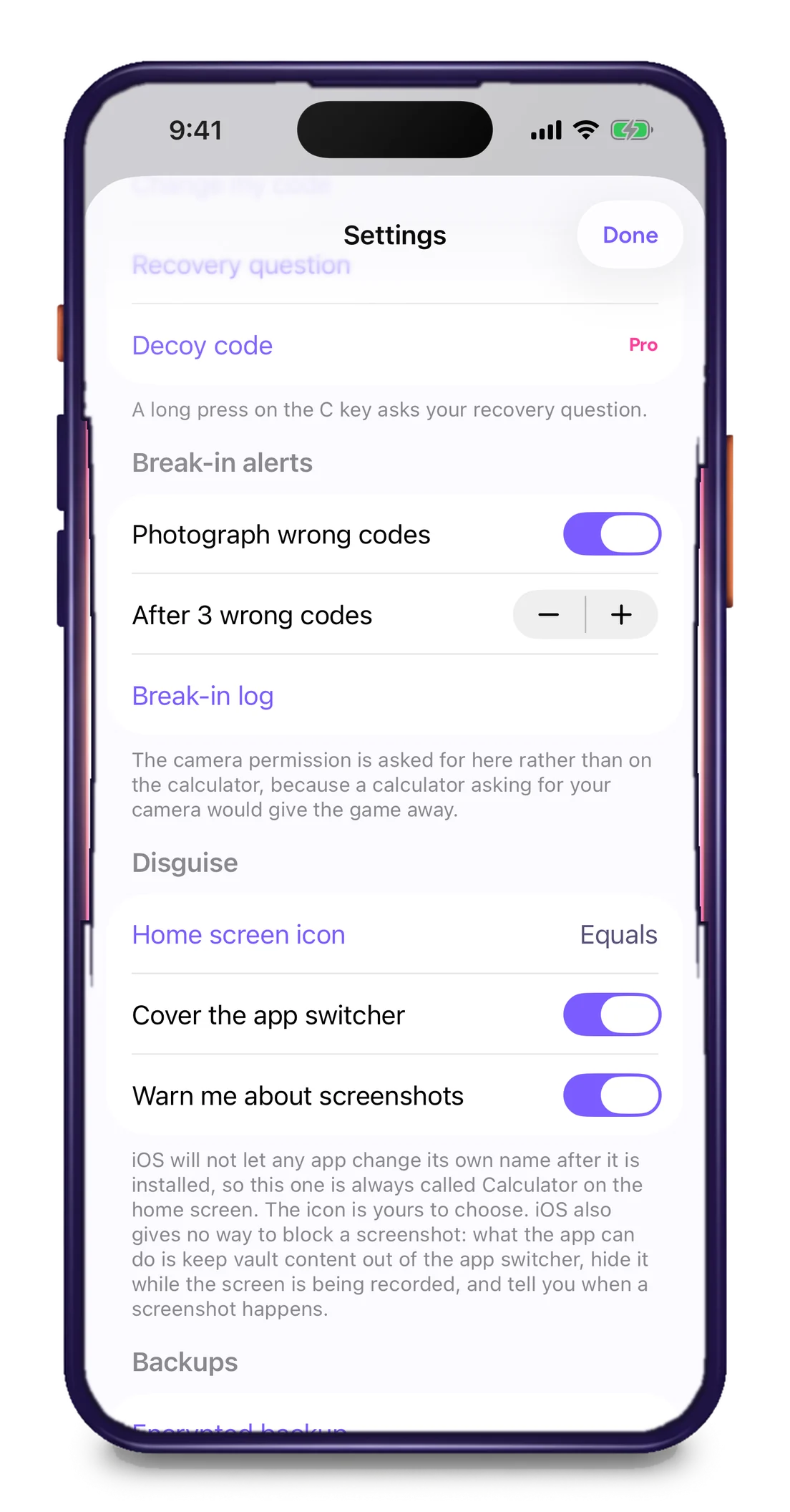
Three wrong codes and the front camera quietly takes a photo, with the time and the code they tried.
Disguise
Pick the icon and the name: Calculator, Counter or Converter. It behaves like one on the home screen too.
Screenshots
Blocked inside the vault on Android. Blurred in the app switcher on both platforms.
Panic lock
Shake, flip the phone face down, or press Lock. Open tabs close and the keypad comes back.
Backups
Optional encrypted export to a file you keep. Nothing is synced anywhere by default.

Questions

Things people ask before they trust it.

Yours isn't here? Email us and a person will answer.

What if I forget my code?

When you set your code you can add a recovery question. Answer it and you can set a new code. Without it there is no way in, and there is no reset link, because there is no account. That's the point, so write the code down somewhere that isn't your phone.

Can someone tell it isn't a real calculator?

It calculates. Decimals, percentages, long chains of operations, sign changes. The only difference is one sequence that opens something else, and only you know it.

Where are my files actually stored?

On your phone, inside Calculator Locker's encrypted storage. There are no Calculator Locker servers and no account. Files only leave the device if you export or share them yourself.

Will hidden photos still show up in my photo library?

No. Imported photos are copied into the vault, and you can delete the originals from your camera roll in one tap. They also won't appear in Recents, widgets or cloud photo backups.

Is the browser really private?

It runs inside the vault with its own cookies and storage. When you lock, open tabs close and history is wiped. It does not hide your traffic from your network or internet provider, so use a VPN if that matters to you.

How much does it cost?

Free to install with a small vault. A one-time purchase unlocks unlimited storage, the private browser and decoy codes. No subscription.

Free to try

Nothing to see here.

Download Calculator Locker, set a code, and go back to looking like you're doing sums.

iOS 16 and Android 10 or later. No account needed.